
Gear Battle
Arrange gears and troops on a preparation board, then start wave battles and compare upgrades between encounters.
THE AXFLY COLLECTION
Explore our browser games and discover a new way to play.
Arrange gears and troops on a preparation board, then start wave battles and compare upgrades between encounters.
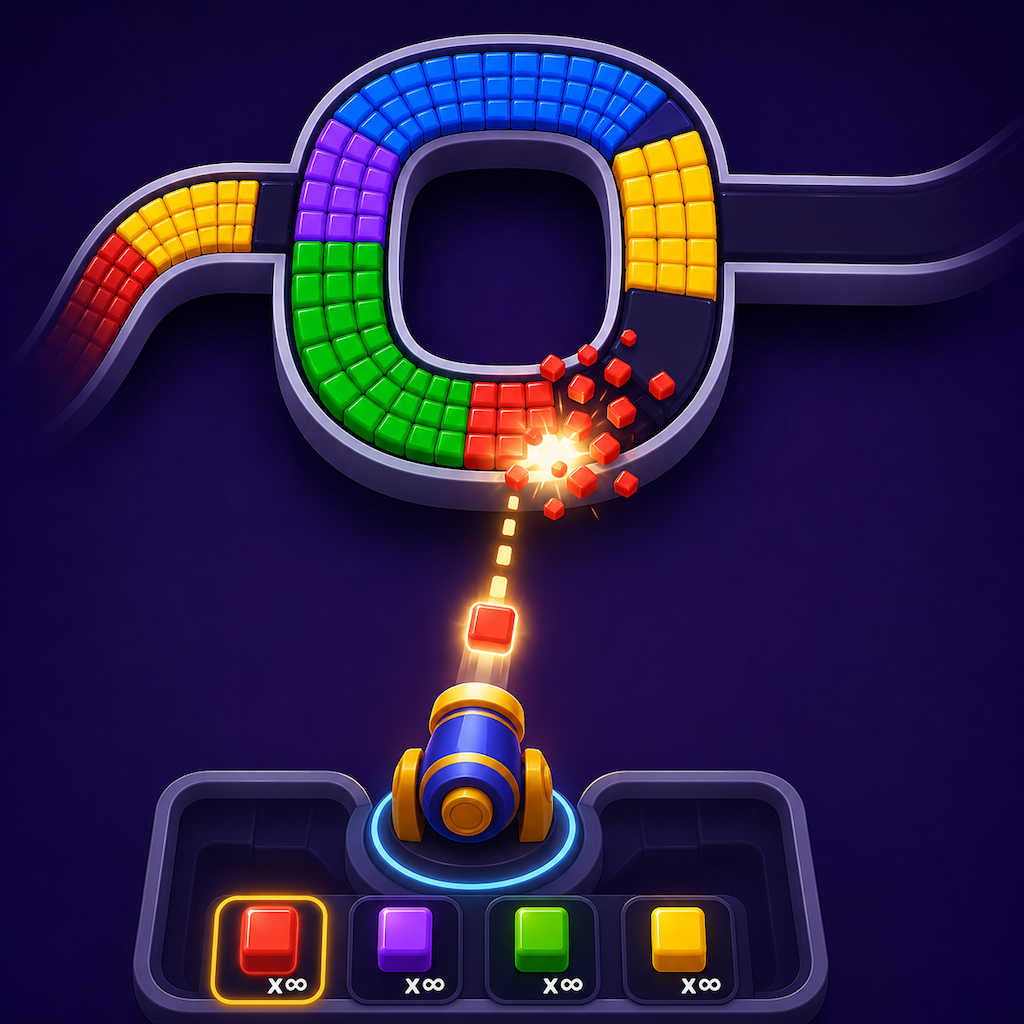
Match colored shooters to blocks on a winding track, managing the visible firing slots and the waiting queue.

Time a bird’s pecks around a circular target, then use the level map and bird collection to choose what to play next.
Place one cat per color region and per row and column, with no cats touching, including diagonally.
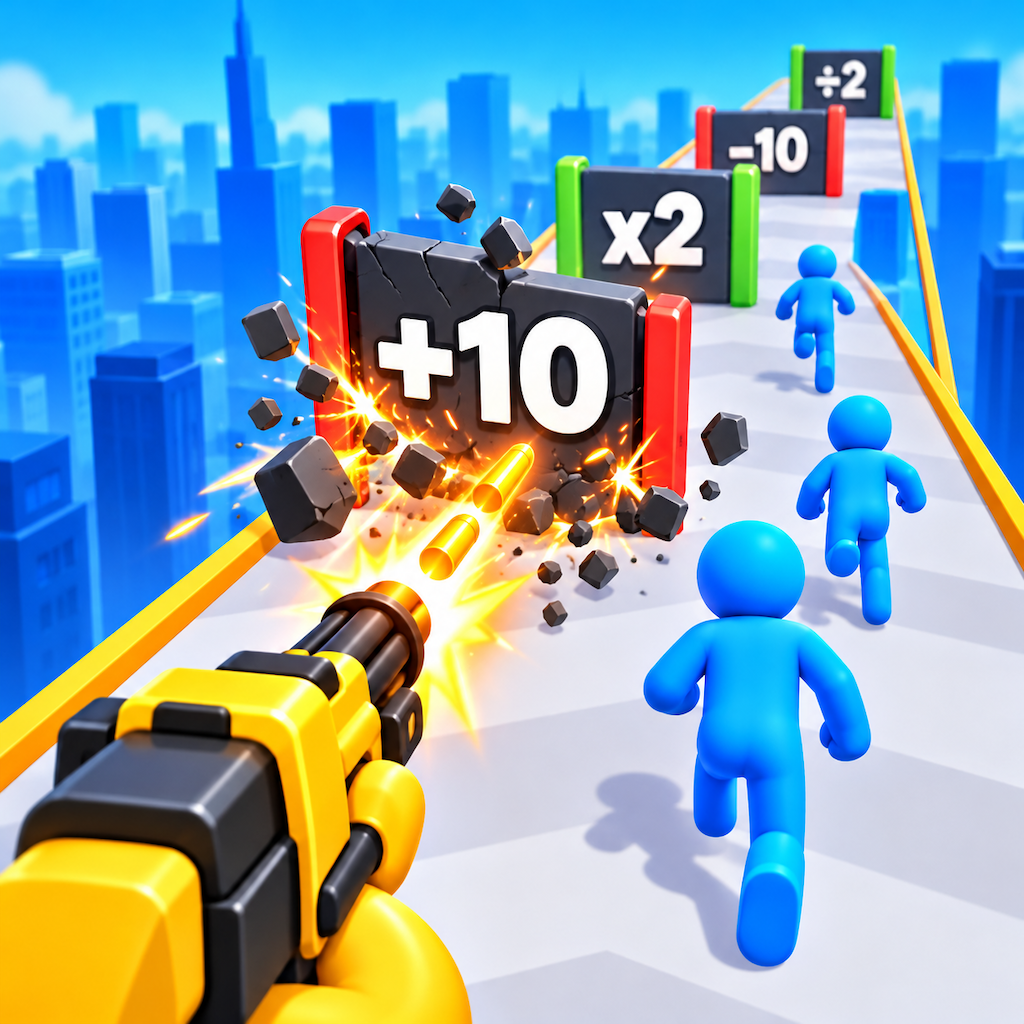
Drag to steer along an elevated track, choose numbered gates, fire at obstacles and push into the multiplier finish.
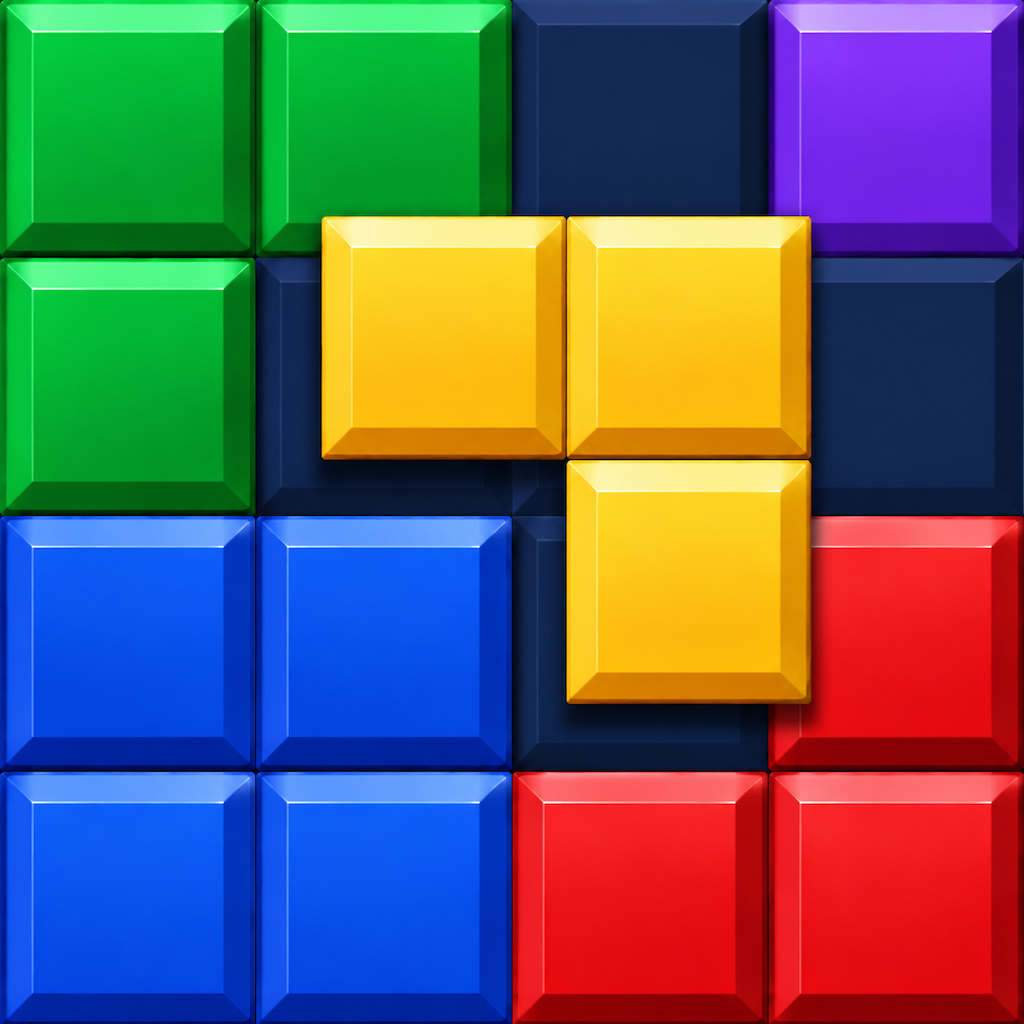
Fit colorful block shapes into the grid, build complete lines and preserve space for the next piece while chasing a higher score.

Sort layered liquids between bottles, matching the exposed colors and keeping room for the next pour.
Manage food production, summon units and defend your base in a battle game with upgrades and an evolution reset.
Work through timed screw-and-plank boards, using empty holes to plan which attachments to move next.
Guide a hole through a timed collection area, compare time, size and power upgrades, and face the castle encounter.

Navigate a hanging-bar obstacle course with stars, hazards and a level-completion screen.

Build a cylindrical tower through level-based challenges. Read your tower height on the result screen and look for Perfect feedback during play.

Sort colored nuts between upright bolts, revealing hidden colors as the upper nuts move away.
Explore a collection of flat number-grid, number-lane and colored-path puzzles with different boards and controls.
Guide a crowd through arithmetic gates, confront opposing groups and reach the colored finish stairs.
Plan directional van exits and color-matched passenger boarding while keeping the available parking spaces in mind.
Swipe into a weapon-crowd run, compare arithmetic gates and carry your growing formation toward the finish target.
Inspect arrow-marked hexagonal tiles and plan removals within a move allowance, with a hammer tool introduced later.
Fit colored block shapes into a square-cell board, accounting for fixed blocked cells in later levels.
Enter a multi-character platform arena over water and navigate layered hexagonal tiles with an on-screen joystick.

Follow a cartoon ear-care sequence, choosing from the changing tool tray and checking each task’s completion marks.
Build a restaurant production chain and compare separate kitchen, elevator and restaurant upgrades.

Swipe to steer through number-ball runs and a mountain course, with a separate Infinite Mode shown in the menu.
THE LATEST / BLOG

Player portraits explore six Wolverine looks, from Ultimate Red to Hellverine. Costume, lighting and setting give Logan a different presence in every frame.
Read article ↗
Peak arrives on PS5 on October 22 with crossplay co-op. A single slip can disrupt the climb, making teamwork as valuable as quick reactions.
Read article ↗
Mafia: The Old Country, Horizon Forbidden West and Mycopunk headline October’s PlayStation Plus Game Catalog, with the main lineup arriving October 20.
Read article ↗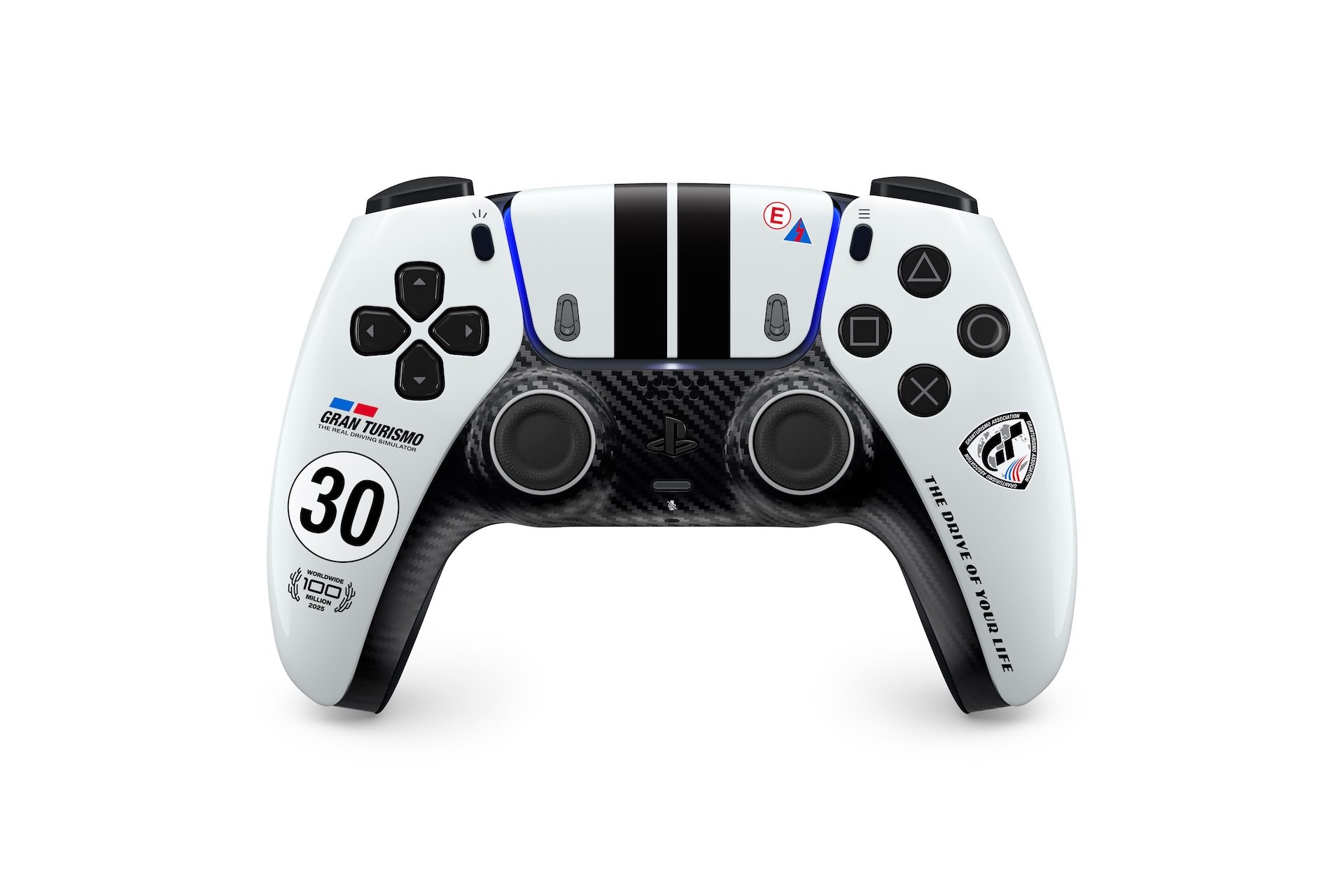
Gran Turismo 7’s Spec IV Part 1 introduces six vehicles, Sportsland Sugo and additional events and experience features.
Read article ↗
The Scope of Authority Premium Warbond is scheduled for October 20, adding equipment built around precision fire and squad coordination.
Read article ↗Look at the first Level 1 picture on the game page. The first bottle has orange above yellow, while the second has green above orange and yellow. Although both contain yellow, neither presents yellow at the top. The tutorial’s same-color rule applies to the exposed layers. Choosing a destination by a shared buried color ignores the obstacle that must be removed first.
Read article →The timed Level 3 picture contains two long red vertical planks, a blue upper crosspiece and a yellow middle crosspiece. A screw at one intersection can belong to an overlapping arrangement. Follow the outline of the piece you want to release and count its visible attachments before choosing a screw.
Read article →Select TAP TO PLAY on the start screen. Once the round begins, choose one visible tube rim to use as a reference. Keep watching that same landmark across several attempts so that each result helps you adjust the next input.
Read article →The live entry is titled Block Shooter, while the collection uses Color Bricks. Its pictured board has a track of colored blocks above a row of firing slots and a waiting queue. Before choosing a shooter, compare its color with the track and count the empty slots. A useful choice needs both a suitable color and room in the active row.
Read article →The Level 1 board explicitly lists one cat per color, one cat per row/column and no touching cats. A blank square that passes a row check can still be excluded by its colored region or a diagonal neighbor. Keep a candidate only after checking all three. The game is not asking you to select a different cat face for every cell.
Read article →Identify the active mode by its layout: a full grid of numbers, four number lanes or colored endpoints on open cells. Each layout presents a different planning question. Locate the score, the waiting choices and the tool row before acting. When changing modes, inspect those controls again rather than assuming that the same action has the same effect on every board.
Read article →The preparation view contains a socket grid and STORE choices. Record which spaces are occupied and which piece you add before using FIGHT. A later combat outcome is more informative when you can reconstruct that arrangement. REROLL changes the available offer, so it also changes the decision you are comparing.
Read article →The gameplay picture shows a character suspended from a horizontal bar between walls. Stars and ledges lie below, with obstacles near the top of the view. A cue based on running along the ground would describe a different movement problem. First identify where the bar and character can move in the active level.
Read article →

