

Read the arrow and move counter
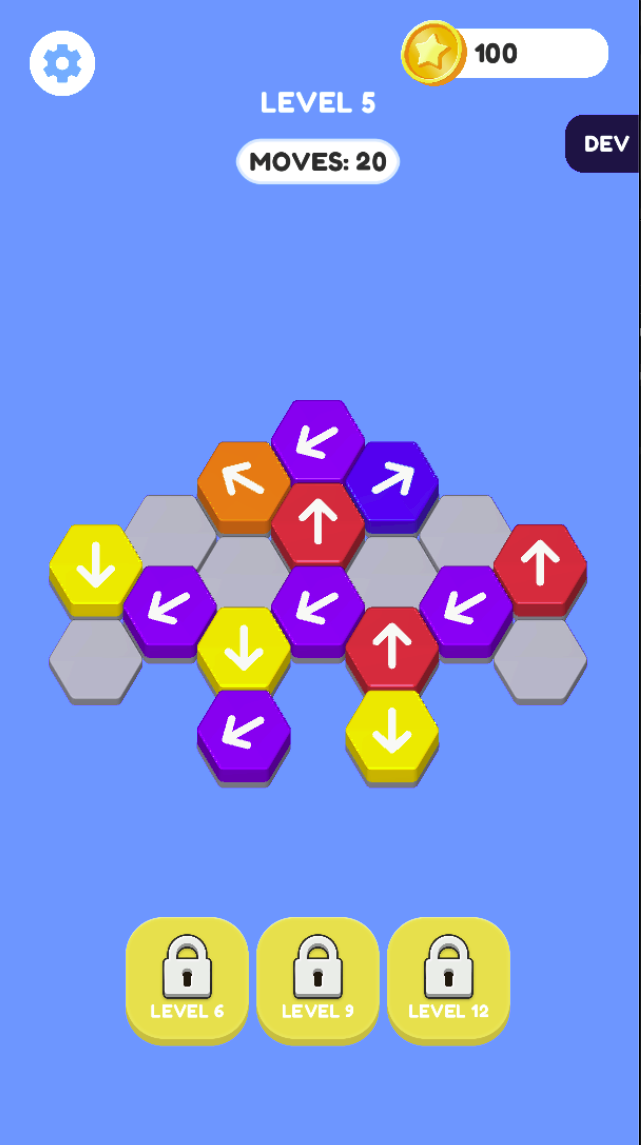
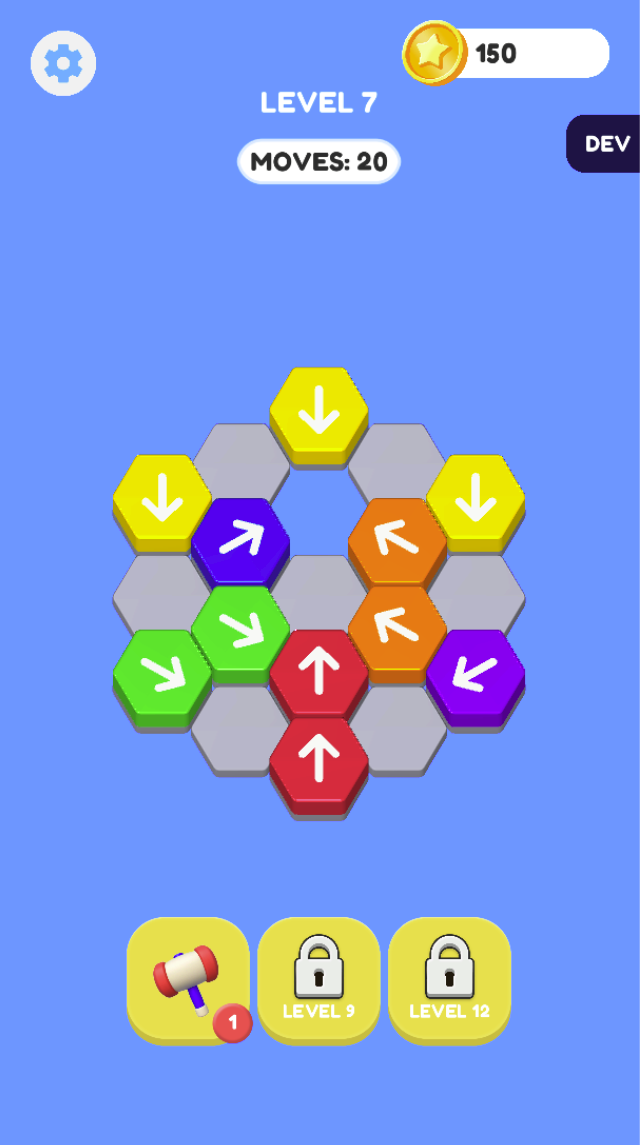
Levels 5 and 7 show colored hexagonal tiles pointing in several directions and MOVES: 20. Inspect the path in a selected arrow’s direction and the occupied cells ahead.
Reserve the hammer for a specific blockage
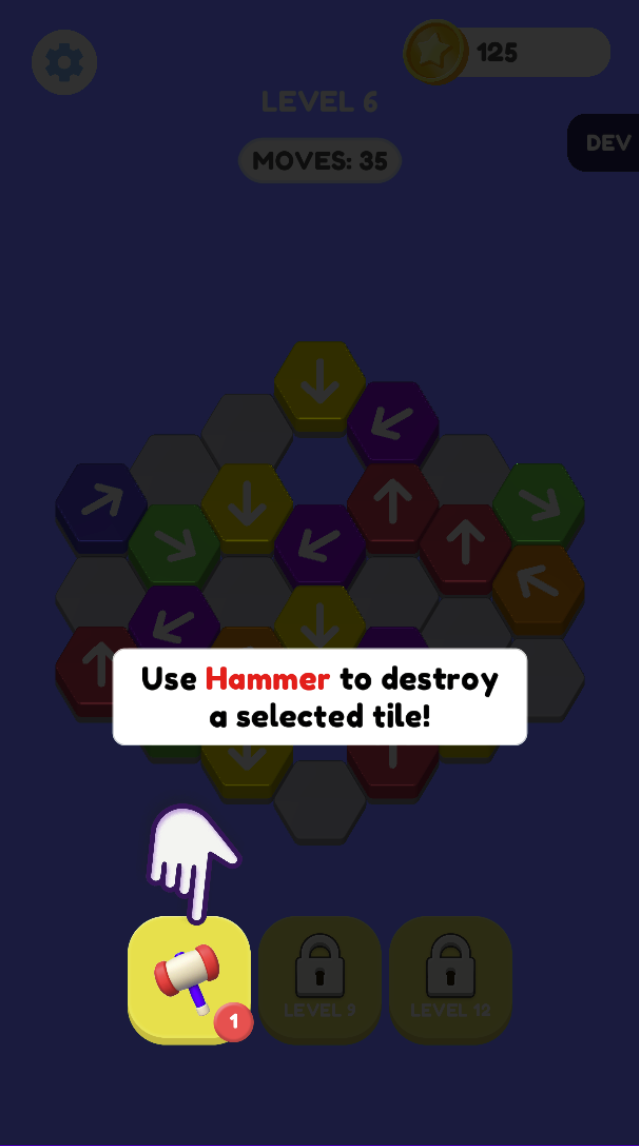
The Level 6 tutorial explicitly says Use Hammer to destroy a selected tile. It highlights the hammer button with a remaining-use badge. Choose which blockage you want to remove before activating the tool rather than using it to avoid reading an open path.
Tools unlock at different levels
The Level 5 tools show locks, while Level 7 shows the hammer available and other tools still locked. Check the current allowance and tool state instead of assuming all levels share the same move budget.
Screenshots explained
Loading, progress and support
Select Play above to load the game. If it stalls or inputs do not reach the game, try the direct link and include your device, browser and the point where loading stopped in a problem report.